


Content Workflow Automation
AI Content Platform Features: A 12-Point Evaluation Checklist
Use this 12-point checklist to compare AI content platform features: planning, brand context, evidence, review, publishing, and cost. Includes a scorecard.
Map your content workflow from approved brief to CMS verification, with clear ownership, review gates and recovery steps for failed handoffs.
Content automation works best when each handoff has a clear input, owner and completion rule. A typical workflow moves from approved brief to draft, review, CMS preparation, publication verification and later maintenance. The exact gates depend on your business and the systems you connect.
For a SaaS operator, the workflow should preserve product accuracy. A small business may need a simple approval step before service details go live. An agency needs separate brand settings and permissions for each client. The goal is a repeatable operation whose exceptions are visible.
| Stage | Ready when | If something is missing |
|---|---|---|
| Brief | Audience, intent, evidence and owner are recorded | Return to planning with a named blocker |
| Draft | Required questions are answered and sources are attached | Request a focused revision |
| Review | The designated reviewer accepts the current version | Keep the version unpublished |
| CMS preparation | Destination, formatting, metadata and images are checked | Hold the handoff for correction |
| Publication verification | The intended URL shows the approved version | Investigate before another publish attempt |
This table describes an illustrative operating process, not a guarantee that every integration supports each step automatically. Confirm the capabilities of your CMS connection before assigning an unattended action.
Suppose an agency has an approved article but the CMS request times out. A timeout does not establish whether the CMS created the article. Record the attempted destination and version, then check the remote state before retrying. If the article exists, reconcile its identifier; if it does not, retry according to the integration's supported recovery behavior.
Keep the client-facing status accurate throughout. “Approved” and “published” describe different outcomes. Never use a successful upload of an image or a saved draft as proof that the public article is live.
For each automated step, specify who receives a failure, what evidence they can inspect and what action is safe to repeat. Keep credentials scoped to the intended destination. Separate publishing permission from editorial permission when the team needs that boundary.
Before enabling a recurring schedule, run a representative article through the workflow and inspect the actual CMS output. Check headings, links, metadata, image selection and the public URL. Then test a missing-input case so the team knows how a held item appears.
Track completed work alongside revisions, blocked items and failed handoffs. Review the reasons work gets stuck before increasing output volume. For agencies, compare these measures within each client workflow rather than treating every brand's approval process as interchangeable.
Automate steps with reliable inputs, supported integrations and a clear completion check. Keep approvals or exceptions where your business requires them. Verify the actual behavior of each connected system before promising an unattended workflow.
Record the content version, destination and observed result. An approval should apply to a specific version; a failed or uncertain publish should remain visible until the remote state is checked and reconciled.
Explore RoboWrite features to compare the product with the workflow your team needs. Bring one real brief, your approved brand facts and your CMS requirements to the evaluation.
Use this 12-point checklist to compare AI content platform features: planning, brand context, evidence, review, publishing, and cost. Includes a scorecard.
Compare five types of AI content generation platform, from chat assistants to SEO content workflows. See what each is built for, with vendor facts dated.
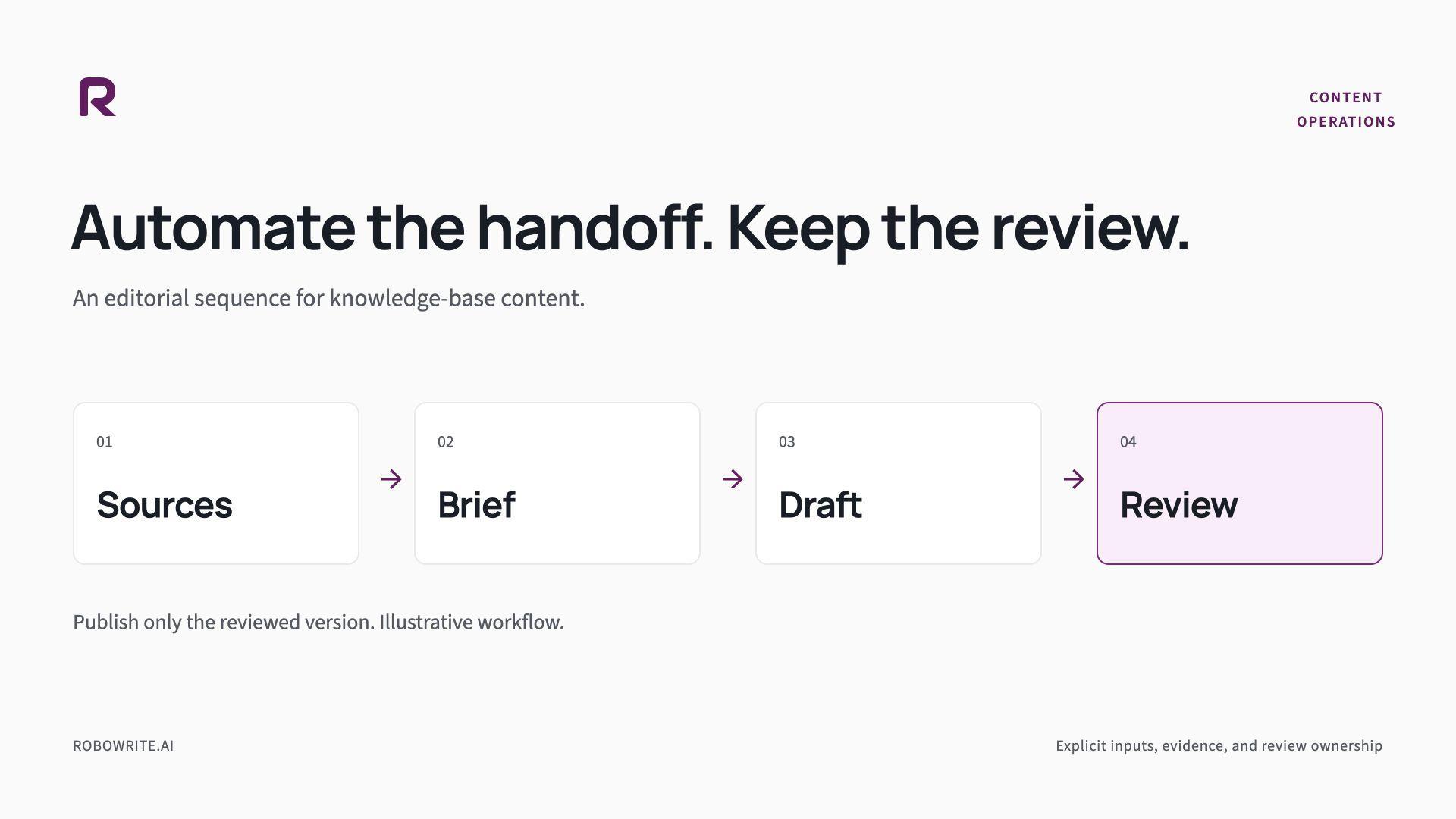
Connect keyword clusters, a focused brief, source research, a Content Kit, drafting, and editorial review in a practical SaaS content workflow.
Build a content brief automation workflow with approved sources, explicit inputs, review ownership, and a worked SaaS knowledge-base example.

Shipping one blog post each week is easier when the team shares a single checklist. This post is a short operating list you can copy into your project tracker. Before drafting Pick one audience problem, not three Name the primary keyword the page should

A practical editorial workflow has four stages: brief, draft, review, and publish. Each stage needs an owner, a time box, and a clear definition of done. This guide describes a process marketing teams can run every week without inventing a new process for